
SAP Business One ByDesign AllinOne
    • Home
    • Solutions
    • Demos
    • Cloud
    • Services
    • Blog
    • Contact
    • Careers
    • Web Education Calendar
    • Support
    Skip to main content
    NBS-logoNBS-logo
      • SAP Business Suite
        • SAP Cloud ERP
      • Show submenu for SAP Cloud ERP SAP Cloud ERP
        • SAP GROW
        • SAP GROW Fast
      • Show submenu for SAP Business Technology Platform (BTP) SAP Business Technology Platform (BTP)
        • App Dev & Automation
        • Integration Suite
        • eCommerce, EDI, Shipping...
      • Show submenu for ERP for SMBs ERP for SMBs
        • SAP Business One
        • SAP Business ByDesign
      • Show submenu for SAP Product Integrations and Extensions SAP Product Integrations and Extensions
        • Customer Relationship Management (CRM)
        • Field Service Management (FSM)
        • Integrated Business Planning (IBP)
        • See all integrations and extensions
      • See All Products
    • Show submenu for Industries Industries
      • Consumer Products
      • Industrial Products
      • Retail
      • Professional Services
      • Manufacturing
      • Distribution
      • Life Sciences
    • Show submenu for Solutions Solutions
        • Fast-Growing Businesses
        • Small-Sized Businesses
        • Medium-Sized Businesses
        • Private Equity/Venture Capital Backed
        • Enterprise
        • Finance
        • Accounting
        • Operations
        • Information Technology
        • menu-icon-users Consumer Products/Retail PackageReady Set GROW for Consumer Products
        • menu-icon-book Research Management PackageReady Set GROW for Research Management
        • menu-icon-gift Professional Services PackageReady Set GROW for Professional Services
    • Show submenu for Services Services
      • Cloud Application Management Services
      • ERP Project Rescue
      • ERP Optimization Services
      • Customer Care & Support
      • SAP Cloud ERP Demo
      • SAP Cloud ERP Product Functionality Demos
      • Navigator Blog
      • Client Success Stories
      • News & Press
      • About Us
      • Careers
      • Leadership
      • Contact Us
      • SAP Business Suite
        • SAP Cloud ERP
        • SAP Cloud ERP
        • SAP GROW
        • SAP GROW Fast
        • SAP Business Technology Platform (BTP)
        • App Dev & Automation
        • Integration Suite
        • eCommerce, EDI, Shipping...
        • ERP for SMBs
        • SAP Business One
        • SAP Business ByDesign
        • SAP Product Integrations and Extensions
        • Customer Relationship Management (CRM)
        • Field Service Management (FSM)
        • Integrated Business Planning (IBP)
        • See all integrations and extensions
      • See All Products
      • Industries
      • Consumer Products
      • Industrial Products
      • Retail
      • Professional Services
      • Manufacturing
      • Distribution
      • Life Sciences
      • Solutions
        • Fast-Growing Businesses
        • Small-Sized Businesses
        • Medium-Sized Businesses
        • Private Equity/Venture Capital Backed
        • Enterprise
        • Finance
        • Accounting
        • Operations
        • Information Technology
        • menu-icon-users Consumer Products/Retail PackageReady Set GROW for Consumer Products
        • menu-icon-book Research Management PackageReady Set GROW for Research Management
        • menu-icon-gift Professional Services PackageReady Set GROW for Professional Services
      • Services
      • Cloud Application Management Services
      • ERP Project Rescue
      • ERP Optimization Services
      • Customer Care & Support
      • SAP Cloud ERP Demo
      • SAP Cloud ERP Product Functionality Demos
      • Navigator Blog
      • Client Success Stories
      • News & Press
      • About Us
      • Careers
      • Leadership
      • Contact Us
    • Free Consultation
      Watch a Demo
      Free Consultation
      Watch a Demo

      Navigator Blog

      Everything you need to succeed, and more
      What Are the Business Differences: Quickbooks VS ERP
      Small Business March 06, 2020

      What Are the Business Differences: Quickbooks VS ERP

      All of the right parts might be in place when a company launches: a great product, an experienced team, a strong marketing campaign. But poor financial planning can lead to disaster. Research by U.S. Bank reveals that 82 percent of startups fail because of bad cash-flow management.

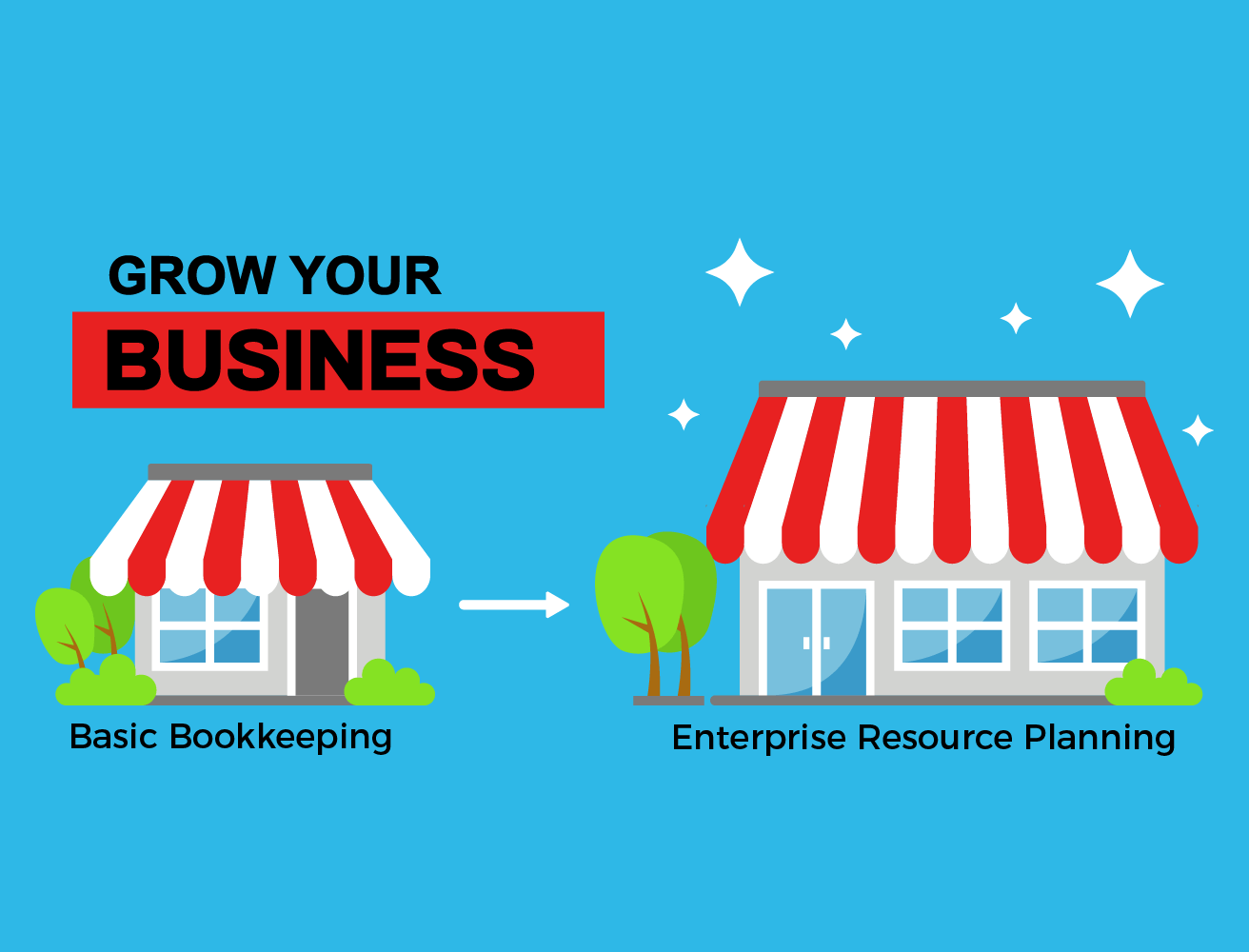
      This is why accounting software, such as QuickBooks, is a popular choice for small businesses. But QuickBooks doesn’t come with everything a growing company needs to succeed. ERP is a more effective and efficient solution.

      Why Cloud ERP? Read More.

      Let’s explore the key business differences between QuickBooks and ERP to show you why.

      ERP Enables Company-Wide Management

      QuickBooks is quality accounting software. The problem is that it is just accounting software. It’s not a complete solution like ERP.

      So while you can rely on QuickBooks to help you manage payroll, sales, income, etc., it’s limited to basic financials only.

      If you wanted to automate and monitor different areas of your business, you would need to invest in one or more other platforms to use alongside QuickBooks. This creates more of a scattered, chaotic structure requiring multiple logins, integrations, and security processes.

      With an ERP solution, you can take advantage of company-wide management in a single platform, including financial management. You can view information from across the business in one dashboard, which helps leaders make data-driven decisions more quickly.

      QuickBooks may still contribute to sound financial choices, but growing businesses need a more complete platform. And that’s what ERP delivers.

      ERP Helps with Scaling

      ERP is a powerful aid when growing a business, unlike simple accounting software such as QuickBooks. Your customer base may be growing weekly, and entering increasing amounts of data manually consumes time you could put to better use.

      Inputting information into QuickBooks can be slow and problematic, as it’s easy to make mistakes when rushed. Performance slowdown may affect your team’s productivity and interfere with essential tasks. This could lead to major issues in the future and cause problems with payroll, budgeting, client relationships and more.

      WIth a new ERP system , your team has access to accurate data from your entire organization—and the option to automate different processes. Not only does data no longer need to be entered manually, but there’s no need to worry about inaccuracies.

      As you take on more clients, you’ll place greater strain on QuickBooks and its storage capabilities. Even with the higher tiers, QuickBooks Pro and QuickBooks Premier, users can keep just 14,500 files at most.

      But ERP platforms are designed to accommodate large businesses’ storage and performance requirements. They’ll scale with your company and continue to meet your needs, so there’s no need to invest in additional platforms to integrate with QuickBooks along the way.

      Monitor and Manage Your Inventory Levels

      Effective, accurate inventory management should be a priority. But one-third of companies miss shipment deadlines because they sell an item without it actually being in stock, and more than 40 percent of small businesses don’t track inventory or rely on manual methods instead.

      ERP systems monitor your inventory levels and notify you when you’re starting to run out of specific products. This helps to prevent customers waiting longer than expected after paying for items which are out of stock, maintains a smooth supply chain, and reduce over- or understocking. ERP can even automate reorders.

      Another benefit of ERP platforms’ inventory management tools is the choice of management methods, such as first in, last out (FIFO) and next in, first out (NIFO). You can leverage the right management strategy for your business for optimal efficiency.

      Control Your Shop Floor

      ERP software enables businesses to keep their shop floors operating as required, from managing your bill of materials and reporting on issues with materials. Oversights or mistakes made when relying on manual processes can cause production to slow or grind to a halt in extreme cases, which can be costly.

      The best ERP systems track work in progress processes, orders of a high priority, and monitor the necessary resources to stay on target, too. Avoiding delays and disruptions becomes easier with an ERP in place—something QuickBooks simply cannot match.

      Comply with Changing Regulations

      Releasing products subject to regulations creates a high degree of accountability. Any failure to align with requirements can lead to recalls, customer dissatisfaction, legal action, and serious reputation damage. The Cambridge Analytica scandal , for example, demonstrated the huge blowback companies face after compliance oversights.

      Still, keeping track of regulations and policies can be difficult, especially when they change regularly. Fortunately, ERP systems can help businesses comply with all regulations thanks to such features as lot/serial traceability, electronic signatures, and more. Quickbooks offers nothing close.

      The business differences between QuickBooks and ERP systems are clear. While QuickBooks may be adequate for startups looking purely for accounting software, ERP is a much better investment all-around. Not only does it handle all aspects of financial management, but it also streamlines and automates other key processes across the company.

      Investing in an ERP system early on helps teams focus on priority tasks and automate smaller ones, limiting the amount of manual input required. This cultivates greater accuracy, efficiency, and productivity.

      To learn more about our ERP solutions and introduce one to your business, read our ERP Implementation Guide .


      Prev
      Next

      Popular Posts

      September 1, 2023
      Difference Between GROW With SAP and RISE With SAP
      Difference Between GROW With SAP and RISE With SAP
      May 24, 2024
      Comparing SAP S/4HANA Cloud Public and Private Editions
      Comparing SAP S/4HANA Cloud Public and Private Editions
      June 14, 2024
      What is an FUE When Buying S/4HANA Cloud?
      What is an FUE When Buying S/4HANA Cloud?

      TOP CATEGORIES

      • Cloud ERP 101
      • ERP 68
      • Life Sciences 64
      • Advantages of ERP 55
      • Manufacturing 55
      Want to stay informed with the latest info?

      Not sure where to start with your solution research?

      Get the 'ERP Evaluation Guide' that'll help guide you to find the right ERP solution and implementation partner for your growing company.

      Get the Guide
      NBS-logo
      THE TRUSTED PARTNER FOR YOUR FUTURE
      • Site
        • About Us
        • Latest News
        • Resources
        • Contact Us
      • Company
        • Products
        • Industries
        • Solutions
        • Services
      • We’re Social
        • Twitter
        • Facebook
        • LinkedIn
        • YouTube
      Copyright © 2026 Navigator Business Solutions

      Privacy Policy | Sitemap

      ATLANTA | BOSTON | CHARLOTTE | CHICAGO | CLEVELAND DALLAS | DENVER | HOUSTON | IRVINE / LA | LAS VEGAS
      MINNEAPOLIS | PHILADELPHIA | PHOENIX | SALT LAKE CITY (CORPORATE) | SAN JOSE | ST. LOUIS | TAMPA
      • ©2014 Navigator Business Solutions | 877.395.4SAP
        INFO@NBS-US.COM
      Create a Mobile Site
      View Site in Mobile | Classic
      Share by:
